Why Scheduling Social Media Posts Can Make Your Workflow More Consistent
Why Social Media Scheduling Creates Consistency
Social media scheduling makes your workflow consistent because it moves publishing from a last-minute reaction to a planned process. Rather than opening an app each day and wondering what to say, you prepare approved content ahead of time, assign it a purpose, and choose when it should appear. That structure protects your attention and keeps your brand visible.
Consistency does not mean posting identical updates or ignoring live conversation. It means building a reliable baseline: recurring themes, realistic publishing windows, and a clear review step. With that baseline in place, creators, marketers, and business owners can work calmly, make smarter decisions, and still respond when something timely deserves attention. Scheduling is therefore not a shortcut for avoiding social media; it is a practical system for managing it well.
Build a Social Media Scheduling Workflow Before You Publish
Effective scheduling starts before a date is selected. First, decide the message, audience, format, and action you want each post to encourage. Then prepare the caption, visual, link, and platform-specific details. A scheduler simply delivers finished work; it cannot repair an unclear idea or a weak asset. Treat the queue as the final stage of a production chain, where strategy becomes a dependable publishing plan instead of a collection of disconnected updates.
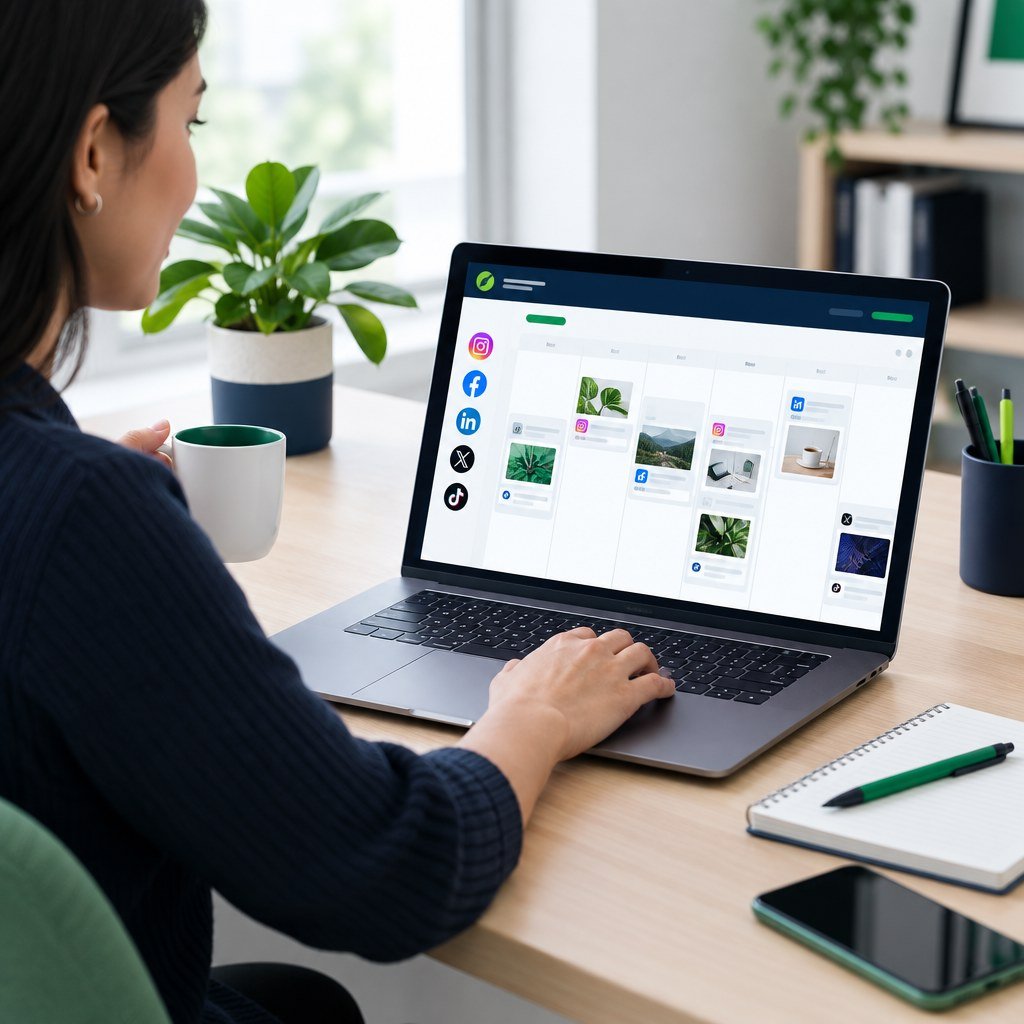
Start with a weekly view in the Calendar. It reveals gaps and repeated subjects. Map broad themes first, such as education, product value, customer questions, or community stories. Next, turn those themes into posts through Create Post. When ideas are organized at this macro level, you can keep a balanced mix without recreating your strategy every morning.
Group Similar Tasks and Reduce Context Switching
Context switching is a quiet productivity drain. Writing one caption, resizing one graphic, checking one link, and configuring one publish time may seem efficient, but repeating that sequence daily forces your brain to reset constantly. Batch similar work instead. Reserve one focused block for caption writing, another for editing photos or video, and another for final scheduling. Templates can also speed routine production: use Templates to establish reusable structures while adapting the message and creative for each campaign.
Batching does not require a rigid all-day workshop. A small team might outline next week’s topics on Monday, create assets on Tuesday, and load approved posts on Wednesday. A solo operator may need only one regular hour. The key is protecting enough uninterrupted time to finish a stage well, rather than carrying half-complete work into every day.
Keep Flexibility for Timely Content
A full calendar should not become a cage. News, industry developments, customer questions, and cultural moments can change what feels relevant overnight. If every slot is locked weeks ahead, you may miss a useful conversation or publish something that suddenly feels tone-deaf. Leave selected openings for timely updates and review your queue when circumstances change. Evergreen content provides stability, while deliberate gaps give your team the agility to listen, respond, and participate in real time.
This balance also preserves the human side of social media. Scheduling handles predictable publishing, but it does not replace replies, moderation, or judgment. Check notifications and conversations regularly, then adjust planned content when a customer need or major event makes a different response more appropriate.
Review Scheduled Posts Before They Go Live
Automation is valuable only when paired with human oversight. Before leaving your dashboard, inspect each scheduled item with fresh eyes. Confirm the date, time, destination account, caption, call to action, media crop, and external link. Check that platform formatting has not truncated important text. A quiet final review catches broken URLs, mismatched imagery, incomplete copy, and accidental duplicate posts before your audience sees them.
Account maintenance belongs in this step, too. Use the Accounts page to confirm connected destinations, update credentials, and catch expired authorization before it causes a publishing failure. Build this audit into your routine, especially after staffing, branding, or account-access changes.
Measure Results and Improve the Next Cycle
Social media scheduling is a means, not the outcome. A post can publish exactly on time and still fail to meet its purpose. Review results in Analytics to compare formats, topics, timing, saves, shares, clicks, and follower patterns. Look for repeatable signals rather than chasing a single strong post. You may find that educational posts earn saves, demonstrations attract clicks, or certain time windows consistently invite conversation. Use those observations to refine your next batch.
Keep notes on changes. This iterative approach improves quality, reduces daily stress, and makes your workflow dependable. The goal is not flawless automation; it is a sustainable system that helps your team show up with relevance and intention.
Build a More Consistent Publishing Routine
Plan content in advance, review it with confidence, and leave room for the moments that matter now.
Social media scheduling checklist
- Choose a clear campaign or content goal.
- Confirm the date, time, destination, and account.
- Review media, links, captions, and temporary information.
- Leave room for real-time posts and audience replies.
Plan in Calendar, prepare content in Create Post, reuse structures from Templates, and review performance in Analytics.
For official platform guidance, see YouTube’s upload documentation.
Social media scheduling checklist
- Choose a clear campaign goal.
- Confirm date, time, destination, and account.
- Review media, links, and captions.
- Leave room for real-time updates.
Plan in Calendar, prepare in Create Post, reuse Templates, and review Analytics.